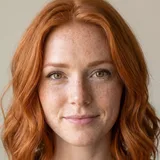
Three face swap bits that work on stream
A face swap lands best as a segment, not as a whole stream. These are the formats streamers use most.
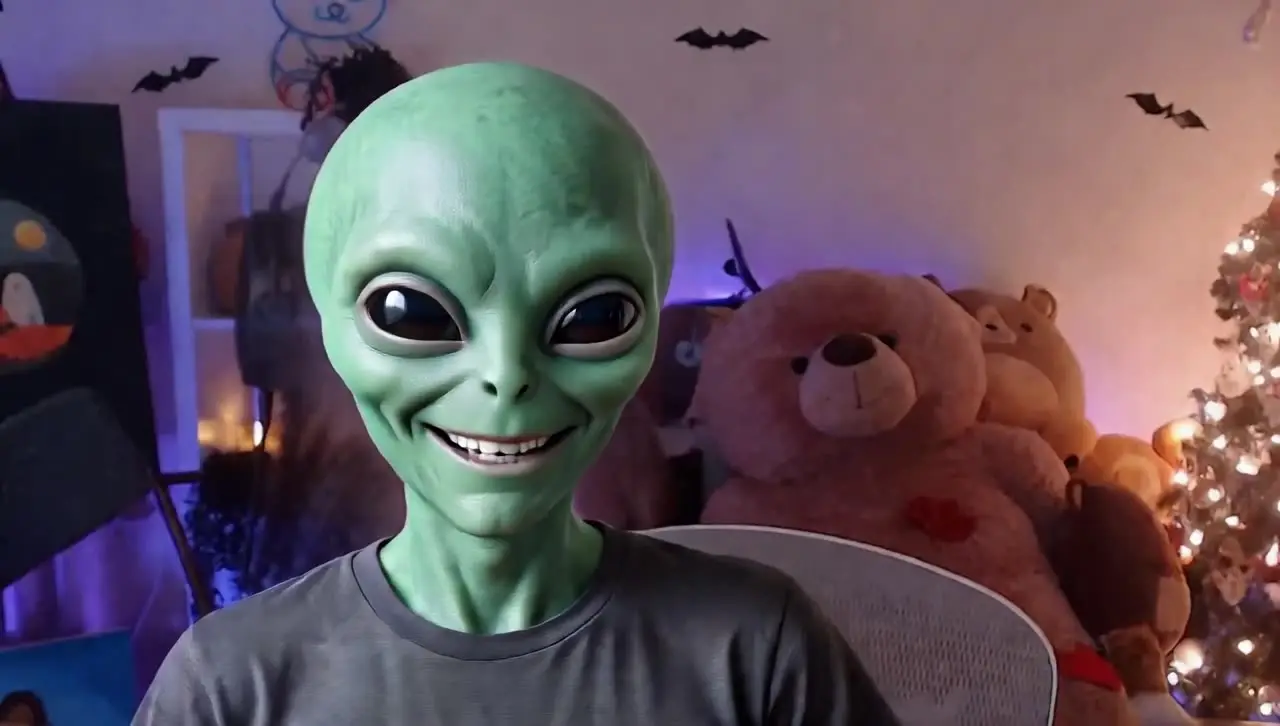
Mystery guest
Go live as someone else and let chat work out who is talking. Your laugh and your head tilt give you away.
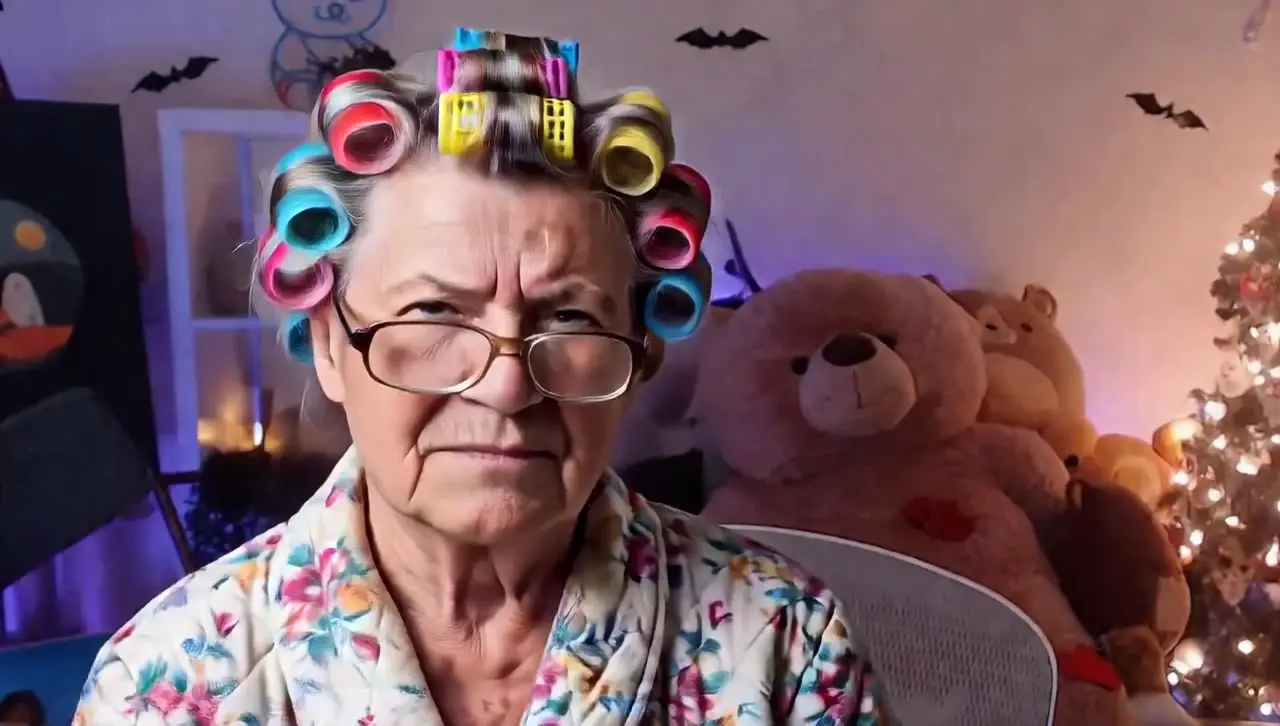
Character arc
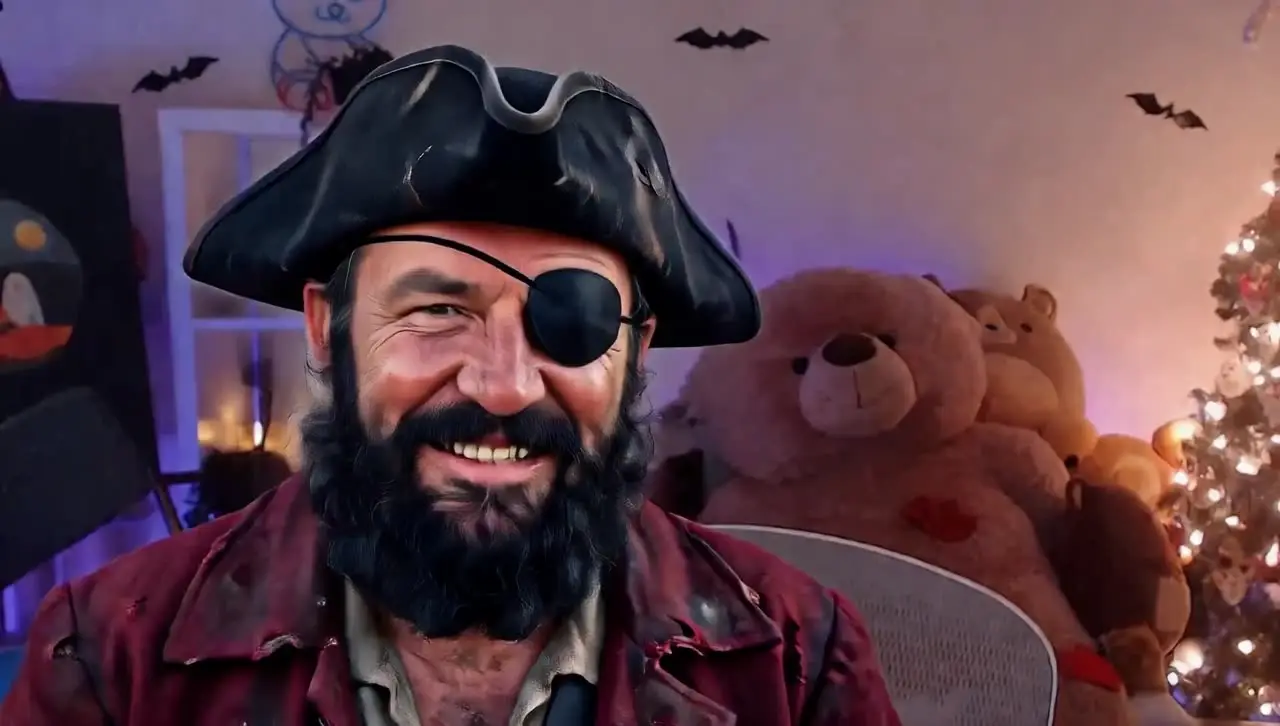
Change face at every segment break: alien for the intro, grandma for the reading, pirate for the raid.
Faceless segment
Keep your real face off camera for a stream or a part of it, and still react with your own expressions.
Set up live face swap in OBS
- 1
Start the swap in its own window
Open the studio in Chrome or Edge, upload a portrait, turn on your camera and press Start. Drag the tab out so it has a window of its own.
- 2
Add a Window Capture source
In OBS, click + under Sources and pick Window Capture (macOS Screen Capture on a Mac). Choose the browser window with the swap.
- 3
Crop to the swapped video
Hold Alt (Option on a Mac) and drag the edges to cut away the browser bars and your own preview.
- 4
Line up your voice
The swap reaches OBS a moment after your mic. If your voice runs ahead, add a Sync Offset to the mic under Advanced Audio Properties.
The full OBS guide covers Mac permissions and fixes for a black or frozen capture.
Where you can stream a face swap
The platform only sees your OBS scene, so the swap works anywhere OBS can stream.
| Platform | How to go live | Good to know |
|---|---|---|
| Twitch | OBS with your stream key, or Twitch login in OBS | Label it as a filter if anyone asks. No sexual content, no posing as real people. |
| Kick | OBS with the stream URL and key from your Kick dashboard | Same scene as Twitch. Check the Kick creator rules for your account. |
| YouTube Live | OBS with the YouTube stream key, or connect your account in OBS | Works for streams and for recordings you upload later. |
| TikTok LIVE | OBS with a TikTok stream key, if your account can go live from a computer | Use a vertical canvas (1080×1920) in OBS so the swap fills the screen. |
Switch faces mid-stream without going offline
Pick a new portrait in the studio and the swap changes over while your camera and your OBS scene keep running. Chat sees one face turn into another. Keep a few portraits ready before you go live, each a sharp, front-facing photo with a plain background.
What a face swap segment costs
1 credit is 1 second, counted only while the swapped video is on screen. A 15 minute segment uses 900 credits. One segment a week is about 60 minutes a month, which fits the Pro plan (75 minutes a month for $22.99 a month billed every 3 months). Unused credits roll over a month. See all plans.
Face swap streaming rules
Swap into made-up characters, yourself, or friends who said yes. Do not pose as a real streamer, a celebrity or anyone in your chat, and keep it free of sexual content. If someone asks whether it is real, tell them it is a filter. These are our rules too, and we check every portrait before a session starts.