Why Live Face Swap Looks Unnatural (and 8 Ways to Fix It)
Flicker, smudges and a face that slips when you turn: what causes a bad live face swap and the simple fixes for light, angle, portrait and connection.
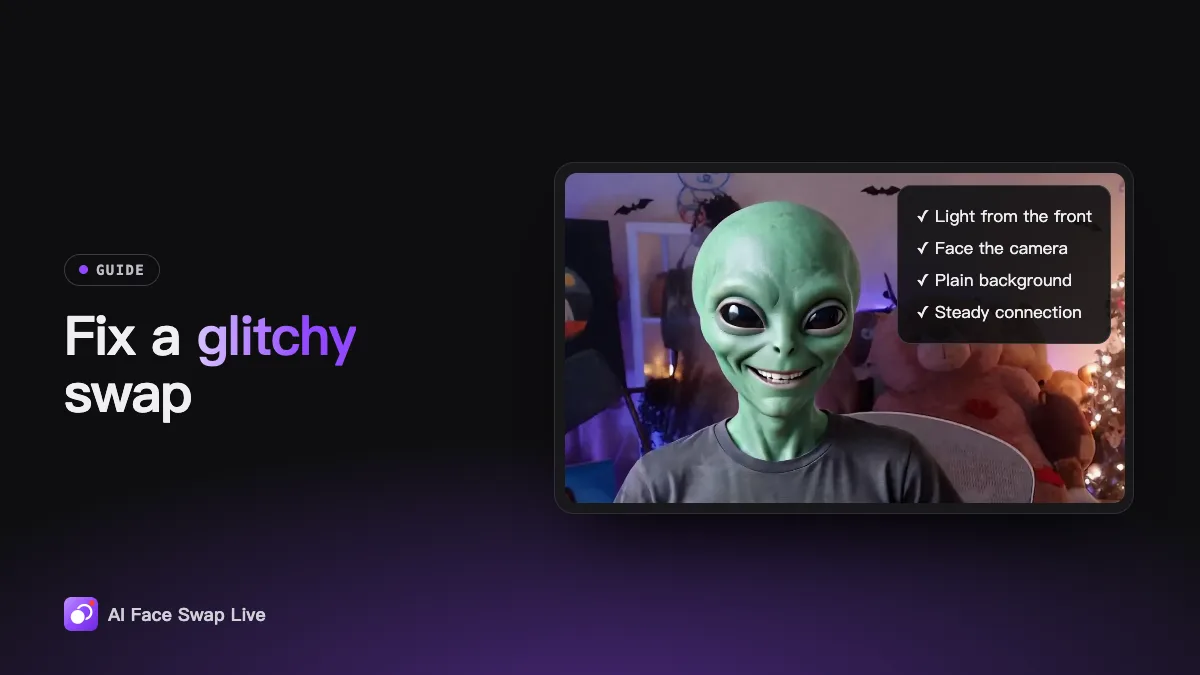
Most bad live face swaps come from four things: poor light, extreme head angles, a weak reference portrait, and a shaky connection. All four are easy to fix. The AI redraws every frame from your camera, so the cleaner the input, the cleaner the output.
1. Light your face from the front
Shadows across your face come through as smudges and flicker. Sit facing a window or put a lamp behind your screen. Avoid a bright window behind you, which turns your face into a dark shape.
2. Keep your head mostly toward the camera
The swap holds up well through normal turns and nods. Full side profiles and looking straight down give the AI less of your face to track, so the new face can slip for a moment. Expect it, and come back to center.
3. Keep hands and objects away from your face
A hand, a mic or a cup in front of your mouth makes the AI guess what is behind it. Move the mic to the side and gesture below your chin.
4. Use a better reference portrait
Front-facing, one person, plain background, visible hair and clothes. A portrait with clutter behind it can pull that clutter into your video. See how to choose a portrait.
5. Match the hair, roughly
A short-haired portrait on a person with long hair, or the other way round, has to invent a lot of hair every frame. A closer match looks more natural.
6. Watch glasses and hats
Thick frames and brims can flicker between your version and the portrait's. Try once with and once without to see which looks steadier.
7. Give it a steady connection
When your upload drops, the stream lowers its quality to keep up, and the swap gets softer. Use a cable if you can, and pause big uploads or downloads while you are live.
8. Keep the background calm
Moving lights, a TV or people walking behind you add noise. A plain, still background helps the swap stay on you.
What you cannot fully fix
Real-time AI still makes visual mistakes. Fast motion, unusual faces and very busy scenes can show brief glitches, and teeth and fingers are the hardest parts. That is why we suggest testing your setup in your free seconds before a big stream.
FAQ
Why does the swap flicker?
Usually uneven light or a weak connection. Light your face from the front and use a wired connection.
Why does the face slip when I turn my head?
Side profiles give the AI less to track. The swap returns as you face the camera again.
Will a better webcam help?
A little. Good light matters more than an expensive camera.
Try AI Face Swap Live
Pick a face, turn on your webcam and go live as someone else. New accounts get 60 free seconds.
Open live face swap