Live Face Swap vs Video Face Swap: What Is the Difference?
A live face swap changes your webcam in real time for streams and calls. A video face swap edits a recorded clip after you upload it. Here is when to use each.
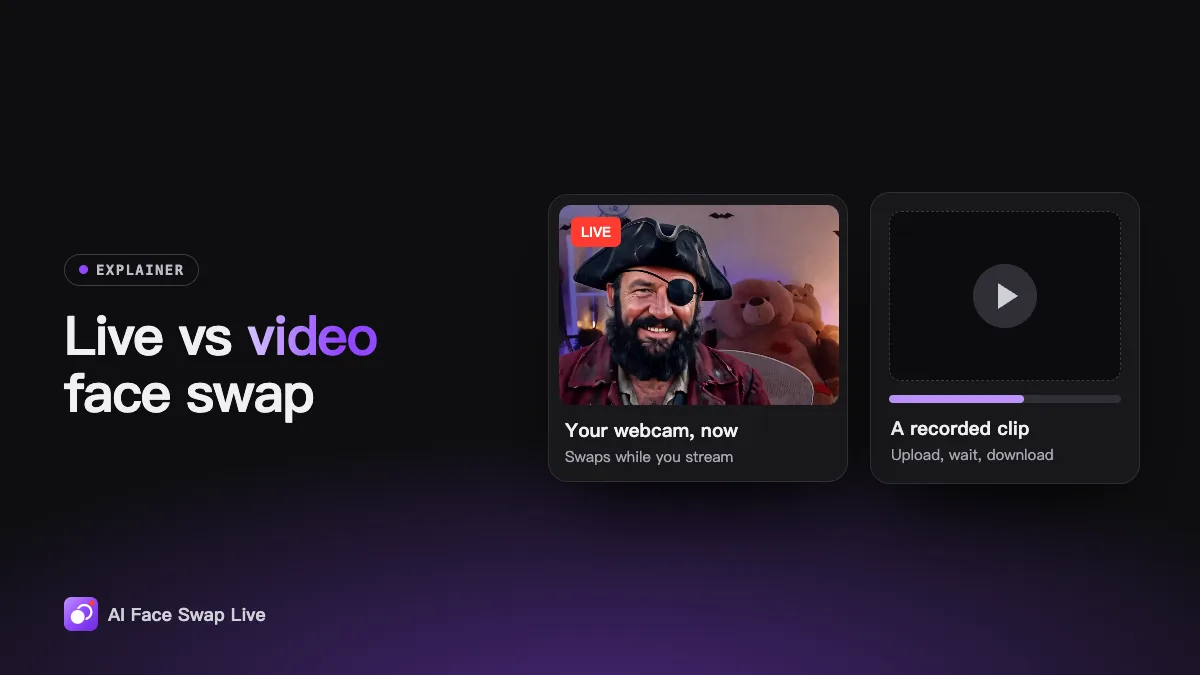
A live face swap changes your webcam video in real time, while you stream or talk, with a short delay. A video face swap works on a recorded clip: you upload a video and a photo, wait, and download a new file. Live is for streams, calls and performances; video is for edited clips where you want the cleanest possible result.
Live face swap
- Input: your webcam, right now.
- Output: a live video you capture in OBS or use as a camera in Zoom and Discord.
- Waiting: none, the swap shows within seconds of starting.
- Pricing: usually by the second while the swap runs.
- Good for: live streams, recurring characters, reacting to chat, quick tests of a look.
AI Face Swap Live is a live tool. You can also press Record in the studio to save a short clip, or record longer sessions in OBS.
Video face swap
- Input: a video file you already have.
- Output: a new video file.
- Waiting: from a minute to much longer, depending on length.
- Pricing: usually per video or per minute of output.
- Good for: edited shorts, ads, memes and anything you post rather than perform.
Photo face swap
The simplest version: two photos in, one photo out. Most "face swap online" searches are for this, and it is a different tool again.
Which one do you need?
If you will be on camera while it happens, you need a live face swap. If you are editing something you already filmed, a video face swap gives you more control and usually a cleaner result, since it is not racing the clock.
FAQ
Can a live face swap save a video?
Yes. Record the live output in OBS, or use the Record button in the AI Face Swap Live studio for short clips.
Is a live swap lower quality than a video swap?
It can be. A live swap must redraw each frame in a fraction of a second, while a video swap can take its time. Good light and a clean portrait close most of the gap.
Do I need the same portrait for both?
The same rules apply: one person, facing the camera, plain background.
Try AI Face Swap Live
Pick a face, turn on your webcam and go live as someone else. New accounts get 60 free seconds.
Open live face swap