Does Live Face Swap Need a GPU? Local vs Cloud Explained
Local face swap tools need a strong NVIDIA GPU. Cloud tools run the AI on their own servers, so any laptop or Mac works. Here is what each needs.
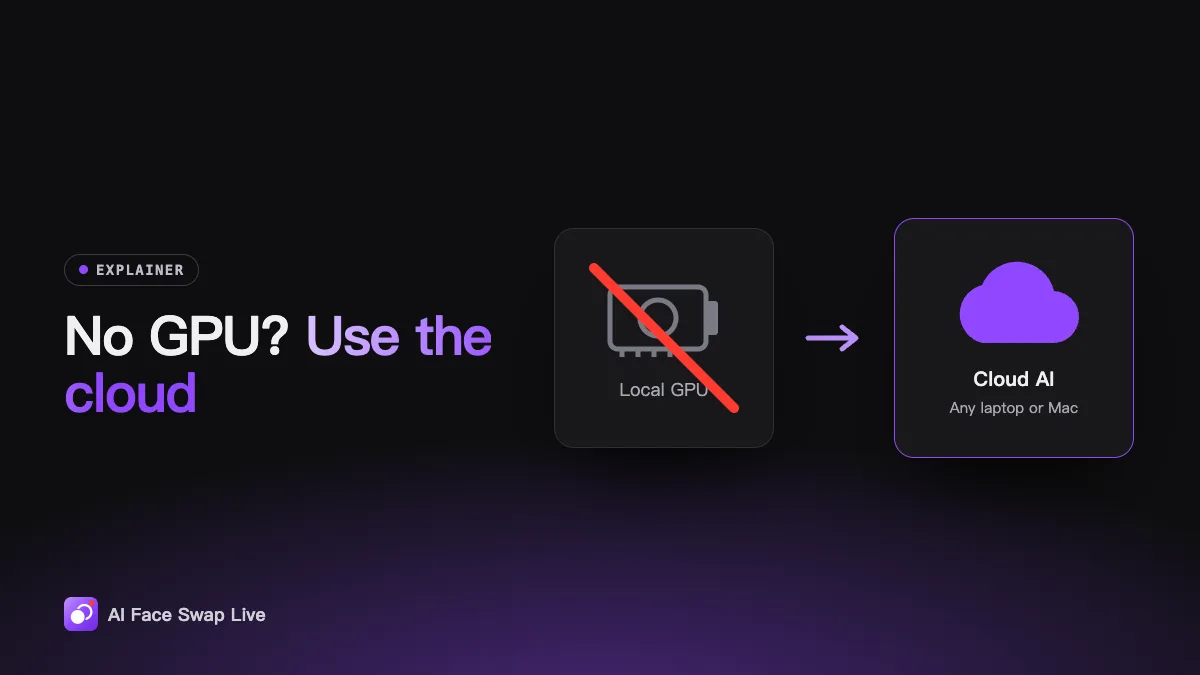
It depends on where the AI runs. Local tools such as Deep-Live-Cam and DeepFaceLive run the face model on your own computer, so they need a strong graphics card, in practice an NVIDIA one. Cloud tools such as AI Face Swap Live run the model on the provider's servers and send the swapped video back, so your computer only needs to handle a video call.
Why local tools need a GPU
A live swap has to redraw every frame of your camera in a fraction of a second. On a graphics card that is fast; on a regular processor it slows to a crawl. The open-source tools are built around NVIDIA's CUDA, and their GitHub issues show what happens without it: an M4 Mac running on the CPU at under 2 frames per second and an M3 Mac at 0.1 frames per second. Add Python versions, model downloads and driver errors, and setup alone can take an evening.
What a cloud tool needs instead
- A browser: Chrome or Edge on Windows or Mac.
- A webcam: the built-in one is fine. On a Mac without a camera, an iPhone works through Continuity Camera.
- A steady connection with decent upload speed: your camera goes up to the cloud and the swapped video comes back down. A wired connection helps.
That is it. An M1 MacBook Air and a gaming PC get the same result, and your computer stays cool enough to run OBS next to it.
The trade-offs
| Local (your GPU) | Cloud (browser) | |
|---|---|---|
| Hardware | Recent NVIDIA card | Any laptop or Mac |
| Setup | Python, models, drivers | Open a web page |
| Cost | Free software, your electricity | Paid by the second |
| Privacy | Video stays on your computer | Video goes to the provider for processing |
| Delay | Depends on your card | A short delay from the round trip |
If you already own a capable NVIDIA card and enjoy setting things up, local is free. If you are on a Mac, a laptop, or just want to start in a minute, cloud is the practical choice. Our Mac page goes deeper for Apple users.
FAQ
Can I run Deep-Live-Cam on a Mac?
It runs, but many Apple silicon users end up on the CPU at a few frames per second, which is too slow for streaming. A cloud tool avoids the problem because your Mac does not run the model.
Does a cloud face swap slow down my computer?
Not much. Your computer sends and plays video, which is about as heavy as a video call.
Is there any delay with cloud face swap?
Yes, a short one, because the video travels to the cloud and back. Use the 60 free seconds to check it on your own connection before you pay.
Try AI Face Swap Live
Pick a face, turn on your webcam and go live as someone else. New accounts get 60 free seconds.
Open live face swap